Instagram video translator · AI dubbing
Translate your Instagram Reels into a dubbed video you can post anywhere.
Your Reel, ready for another audience. Upload your original, choose one of 28 languages and download a dubbed MP4. The vertical picture and background sound stay yours.
Translate my filePaid translation. Review the minutes before you confirm.
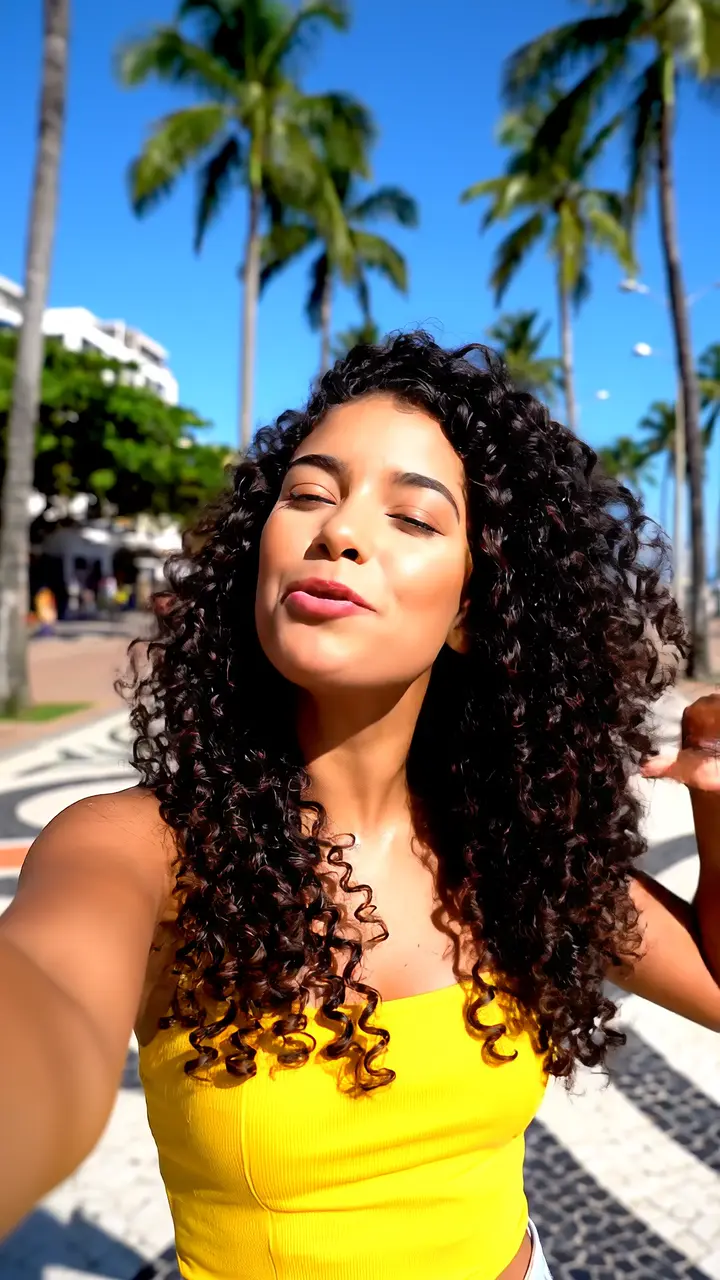
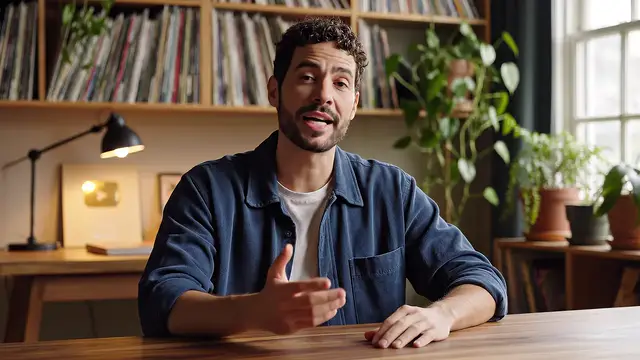
What is said: Esse short eu gravei em português. A versão em inglês saiu do mesmo arquivo e eu não precisei gravar de novo.
What is said: I recorded these shorts in Portuguese. The English version came from the same file, and I didn't need to record it again.
What is said: Este corto lo grabé en portugués. La versión en inglés salió del mismo archivo y no tuve que grabar de nuevo.
AI-created illustrative scene. Not a customer result.
Lip-sync is an optional paid extra.
From Portuguese to English. Play the original or the English dub. Your own portrait video exports as a vertical MP4 you can post as a Reel, Short or TikTok.
- Works from your video file, not a link
- 28 target languages
- A vertical video stays vertical
- MP4 out, no visible watermark
- Pay per input minute
How to translate an Instagram video
Start from the original file, not from the Instagram link.
Find the file you posted
Use the video from your camera roll or the export from your editor (MP4, MOV or M4V). DubSync has no link import. If your editor can export the Reel without burned-in captions, use that version.
Upload it and choose the language
The spoken language is detected automatically. You choose one of 28 target languages, and a second language is a second project. A file can be up to 150 minutes and 1 GB. If a high-resolution export is over the size limit, export a smaller file.
Review the paid dub
Check the minutes required and confirm your rights to the video and every speaker’s consent before starting.
Download it and watch with the sound on
A dub changes the audio only, so a vertical video comes back as a vertical MP4, with no visible watermark. Each voice should sound similar to the speaker, not identical. There is no script editing, so listen for names, numbers and your call to action before you post.
Post it yourself
DubSync doesn't publish to Instagram or to any other platform. Upload the MP4 as a new Reel, write the caption in the new language and label it as AI, as explained under Before you upload.
The free option
Instagram already translates Reels for free. Try that first.
Meta AI can translate the speech in a Reel into other languages, in a voice that follows the sound and tone of your own. Meta says it is free, and open to all public Instagram accounts and to Facebook creators with 1,000 followers or more, in countries where Meta AI is available.1 If that covers your language and the places you post, use it. Here is what changes when you make the dub yourself.
| Meta AI translation | DubSync | |
|---|---|---|
| Price | Free1 | Paid per input minute. Public demo on this page. |
| Where the result lives | On the Reel, as a translation each viewer switches on or off in the app1 | In an MP4 file you download and post where you like |
| Languages | On Instagram, counting the rollouts Meta announced up to July 2026: English, Spanish, Hindi, Portuguese, Bengali, Tamil, Telugu, Marathi, Kannada, French, German, Italian, Japanese and Korean. Facebook's list is different.1 | 28 target languages, among them Mandarin Chinese, Turkish, Polish, Dutch and Swedish |
| Speakers | Instagram's guide for creators says Reels with one speaker, for now.2 Facebook's says up to two speakers.3 | A voice for each speaker, created from their own |
| Lip-sync | An optional setting2 | Optional paid add-on for a finished dub of up to 5 minutes, priced per minute |
| Checking it | A notification asks you to publish or discard the translations2 | You watch the MP4 before anything is public. There is no script editing. |
| How it is marked | Every translated Reel is labeled as translated with Meta AI1 | No visible watermark. Any label Instagram asks for is yours to add |
When to dub it yourself
When a dubbed file of your own is worth paying for.
One vertical file for every place you post
Meta's posts describe a translation that plays inside Instagram and Facebook.1 A DubSync dub is an MP4 on your phone or computer, so the same clip can also go to TikTok, YouTube Shorts, an ad account or your own site. The demo is an AI-generated vertical product ad made in English, not a customer video. Switch the language to hear the dub.
- Your language isn't on Meta's list, or the setting doesn't appear on your account.
- More people speak in the Reel than Meta's tool supports.
- You run a separate account for each language and want a finished video to upload there.

What is said: I filmed this ad once. Now the same ad speaks Spanish, Portuguese, and more without a reshoot.
What is said: Filmaba este anuncio una vez. Ahora el mismo anuncio habla español, portugués y más sin volver a grabar.
What is said: Eu filmei este anúncio uma vez. Agora, o mesmo anúncio fala espanhol, português e mais, sem refilmagem.
AI-created illustrative scene. Not a customer result.
Lip-sync is an optional paid extra.
What a dub doesn't touch
The voice changes. The words on screen don't.
Reels lean on text: captions, stickers, a hook on the cover. A dub replaces the speech and nothing else, and text already in the picture stays unchanged. DubSync includes a dubbed MP4, M4A audio and automatic SRT subtitles in the dubbing language. Plan these four things separately.
Burned-in captions
Text that is part of the picture stays in the old language. Dub a version exported without captions, then add new ones in your editor.
Stickers added in the app
Text and caption stickers you add while posting aren't in your file. Add them again, in the new language, when you post the dubbed Reel.
Cover, caption and hashtags
The cover and the first line are what people see before they watch. Write both in the new language, with hashtags that viewers there use.
Prices, dates and links
A translated offer can still be wrong for the country: the currency, the delivery terms, a link to a page in the old language.
Posting
Where the dubbed Reel goes.
DubSync hands you a video file, so the direct way to post the dub on Instagram is as a Reel of its own. These are the usual choices.
A second account for that language
- Its own followers
- Starts from zero
The bio, the captions and the comments are in one language, and your current followers don't get the same clip twice. Say in the bio that it is your official account in that language.
The same account, as another Reel
- One audience
- The clip appears twice
The simplest route. It is also where Meta's own translation has the edge: it keeps a single Reel, and Instagram shows you its views by language.2
TikTok and YouTube Shorts
- The same vertical file
- Each has its own rules
The same MP4 can be uploaded to both. On YouTube, a dub can also be added as another audio track to a video or Short you already uploaded. That takes access to advanced features and an audio-only file,4 so download the translated M4A audio from DubSync.
TikTok video translatorAn ad in a new market
- Short clips
- Check the offer locally
A Reel that sold well at home can be tested abroad with a new voice before you film anything. Have someone who knows that market check the offer, the price and the wording first.
Video ad localization
Fit check
Which Reels dub well, and which don't.
Works well
- Talking to the camera: tips, opinions, stories and reviews.
- Voice-over on footage: recipes, travel, how-to and product demos.
- Skits and interviews where people speak one at a time.
- Anything recorded close to the phone or with a clip-on microphone.
Take care
- Reels with only a trending sound or a song: there is no speech to dub, and speech dubbing isn't made for singing or rap.
- Loud music over the voice, wind or a crowd: the words are harder to pick out.
- Jokes built on wordplay or slang: ask a native speaker to check the result.
- Reels built from other people's clips or voices, unless you have their permission.
Instagram's advice for its own translation tool points the same way: face the camera, speak clearly, and keep background noise and music down.2
When your face fills the frame, viewers notice lips that don't match the new words. AI lip-sync is an optional paid add-on for a finished dub of up to 5 minutes. It is priced per minute, the whole video is charged, and you see the quote before it starts. It works best with a clearly visible face.
Before you upload
Your Reel, your voice, your label.
Two Meta rules matter here. Instagram treats as original the work you created yourself or edited in a material way, and an account that mostly posts Reels it didn't create may stop appearing in recommendations to new audiences.5 Its examples of material edits add something new, such as narration or graphics that put a clip in a new context.5 A dub repeats the same words in another language, so it doesn't make someone else's Reel yours. In February 2024 Meta also said it would require its AI label on organic content with realistic-sounding audio that was digitally created or altered.6 We read a dubbed voice as that kind of audio, so label a dubbed Reel when you post it.
Questions
Questions before you start
Can I translate an Instagram video by pasting its link?
No. DubSync works from a video file (MP4, MOV or M4V), so use the video from your camera roll or the export from your editor. A screen recording is a poor source: the app's buttons and text end up in the picture.
Can I translate someone else's Reel?
To understand it, you don't need DubSync. Where Meta's translation is available for a Reel, the audio and language section of its three-dot menu lets you switch the translation on or off.1 To dub a Reel and repost it, you need the owner's permission and the consent of everyone who speaks in it. Without both it is not allowed in DubSync, and Instagram may stop recommending to new audiences an account that mostly posts Reels it didn't create.5
Instagram translates Reels for free. Why pay for a dub?
Often you shouldn't. Meta's translation is free for public Instagram accounts in countries where Meta AI is available.1 A paid dub makes sense when your language isn't on Meta's list, when more people speak than Meta's tool supports, or when you want a file that also goes to TikTok, YouTube Shorts, an ad account or your site.
Does the dub translate my captions and on-screen text?
No. A dub changes the spoken audio only. Text in the picture stays as it was. DubSync includes a dubbed MP4, M4A audio and automatic SRT subtitles in the dubbing language. Export the Reel without captions, dub that version, then add new captions in your editor.
What happens to the music in my Reel?
Music and background sound that are in your file are kept under the new voice. A song you added from Instagram's library while posting isn't in the file from your camera roll or editor, so add it again when you post the dubbed Reel. Sung lyrics are a poor fit: speech dubbing isn't made for singing.
Do I have to label a dubbed Reel as AI?
In February 2024 Meta said it would require people to use its AI label when they post organic content with realistic-sounding audio that was digitally created or altered, and that it may apply penalties if they don't.6 The post doesn't mention dubbing. We read a dubbed voice as that kind of audio, so label the Reel as AI when you share it.
What does it cost to translate a Reel?
Dubbing a Reel uses paid minutes based on its duration, once per target language. Review the minutes before you confirm.
Sources
- Meta Newsroom. Discover Reels From Around the World With Meta AI Translation. Published Oct 9, 2025; accessed Oct 5, 2026.
- Instagram for Creators. Expanding Translations to More Languages to Help You Reach Bigger Audiences on Reels. Accessed Oct 5, 2026.
- Facebook for Creators. Expanding Meta AI Translations for Creators on Facebook and Instagram. Published Aug 19, 2025; accessed Oct 5, 2026.
- YouTube Help. Add Multi-language features to your videos (help article 13338784). Accessed Oct 5, 2026.
- Instagram for Creators. Original Content Guidelines. Accessed Oct 5, 2026.
- Meta Newsroom. Labeling AI-Generated Images on Facebook, Instagram and Threads. Published Feb 6, 2024; accessed Oct 5, 2026.
Keep exploring
Related pages
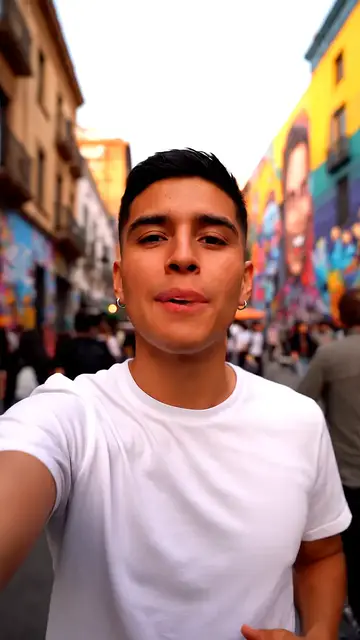 ProductTikTok video translatorDub your own TikToks into another language, with TikTok's AI label and Creator Rewards rules explained.
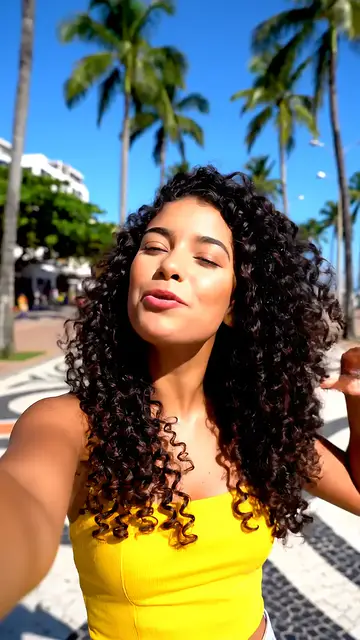 EarningYouTube Shorts monetizationHow the Shorts ad pool works, what creator RPM per 1,000 engaged views measures, and the eligibility changes announced for 2027.
 Use caseVideo ad localizationDub a proven ad or UGC clip for a new market, and see what a dub leaves for you to localize.
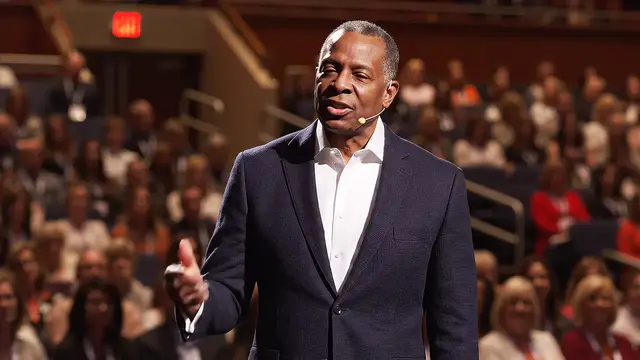 ProductAI lip sync for dubsMatch mouth movement to a finished dub: when it helps, when to skip it, limits and per-minute pricing.
 LessonDub vs sub for creatorsHow dubbing and subtitles compare on reach, accessibility and cost, and when to use both.
 ProductFree video translator optionsWhat YouTube and Meta dub at no charge, where to hear public examples, and how paid DubSync dubbing works.
Start with one Reel
Pick your best Reel and hear it in another language.
Review the minutes needed to dub the Reel before you confirm.
Translate my fileTranslating your own file uses paid minutes. Listen to the public examples to hear how dubbing sounds.