Start here
Dubbing
Translate the speech. Keep the original picture and mouth movement.
Video or audio
Uses paid minutes. See the quote before you confirm.
Explore AI dubbingAI lip sync
Lip sync AI tools do very different jobs. DubSync does one of them: after you dub a video into another language here, it adjusts the speaker's mouth movement to follow the new speech. It is an optional paid add-on for dubs up to 5 minutes long, priced per minute, and you see the quote before it starts.
Start with dubbingStart with a paid dub. Lip sync is optional and paid separately, with a quote before confirmation.
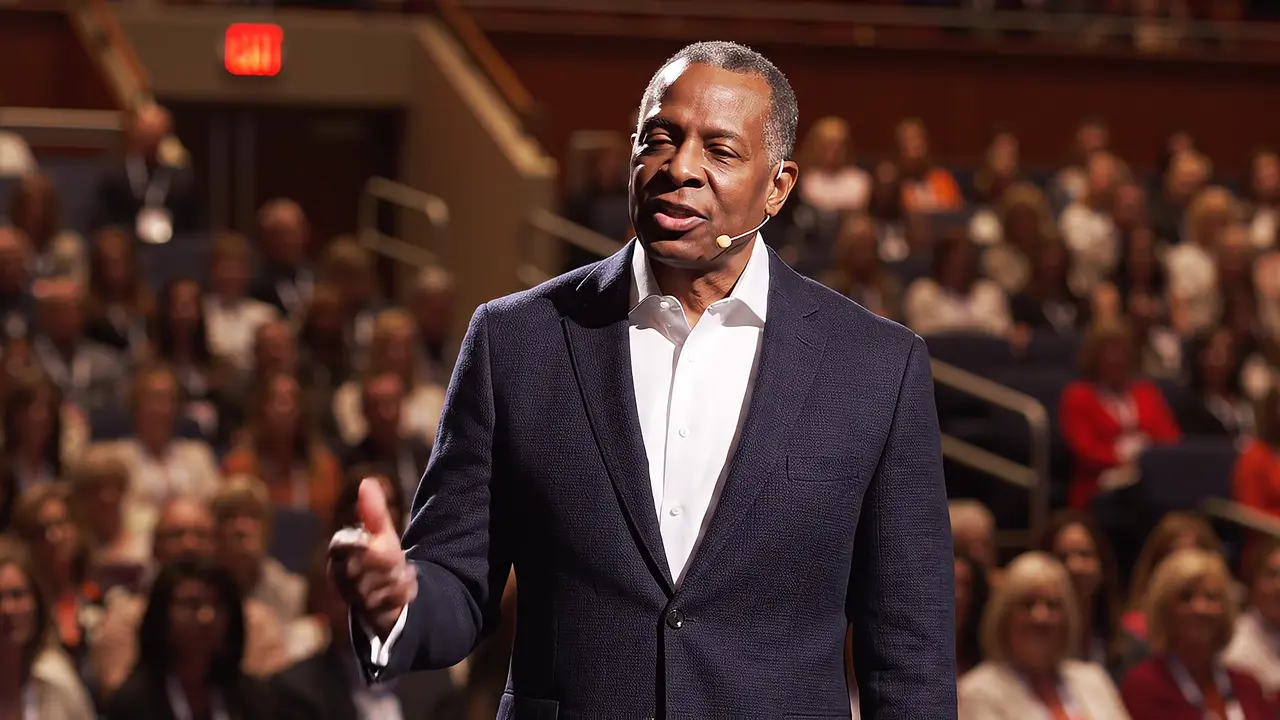
What is said: This talk was given in English. Tonight, every person in this room can hear it in their own language.
What is said: Esta charla fue dada en inglés. Esta noche, cada persona en esta sala puede escucharla en su propio idioma.
What is said: Esta palestra foi dada em inglês. Esta noite, cada pessoa nesta sala pode ouvi-la em seu próprio idioma.
AI-created illustrative scene. Not a customer result.
Lip-sync is an optional paid extra.
Two different results
Start here
Translate the speech. Keep the original picture and mouth movement.
Video or audio
Uses paid minutes. See the quote before you confirm.
Explore AI dubbingOptional next step
After a DubSync dub, adjust visible mouth movement to follow the translated speech.
Video only · Up to 5 min per run
Paid separately. See the quote before you confirm.
Explore AI lip syncWhat it changes
After a dub, the picture still shows a mouth forming the original words. Lip-sync is the optional step that narrows that gap.
Play this demo clip and switch between French and Spanish. French is a plain dub: the picture is untouched, so the mouth still forms the English words. Spanish has lip-sync added: the mouth movement was adjusted to follow the Spanish speech. The badge on the player says which track is which.

What is said: I recorded this video once in English. Pick a language and hear the same video in a voice like mine.
What is said: Grabé este video una vez en inglés. Elige un idioma y escucha el mismo video en una voz como la mía.
AI-created illustrative scene. Not a customer result.
Lip-sync is an optional paid extra.
What people see can change what they hear. In the 1976 experiment behind the McGurk effect, researchers dubbed a voice saying one consonant onto a face mouthing another. Heard alone, the sound was recognized well. With the mismatched face, people heard a different consonant.1 That was a lab test of single consonants, not of dubbed video, but it is one reason to care about the mouth when a face fills the frame, as it does in this demo ad.
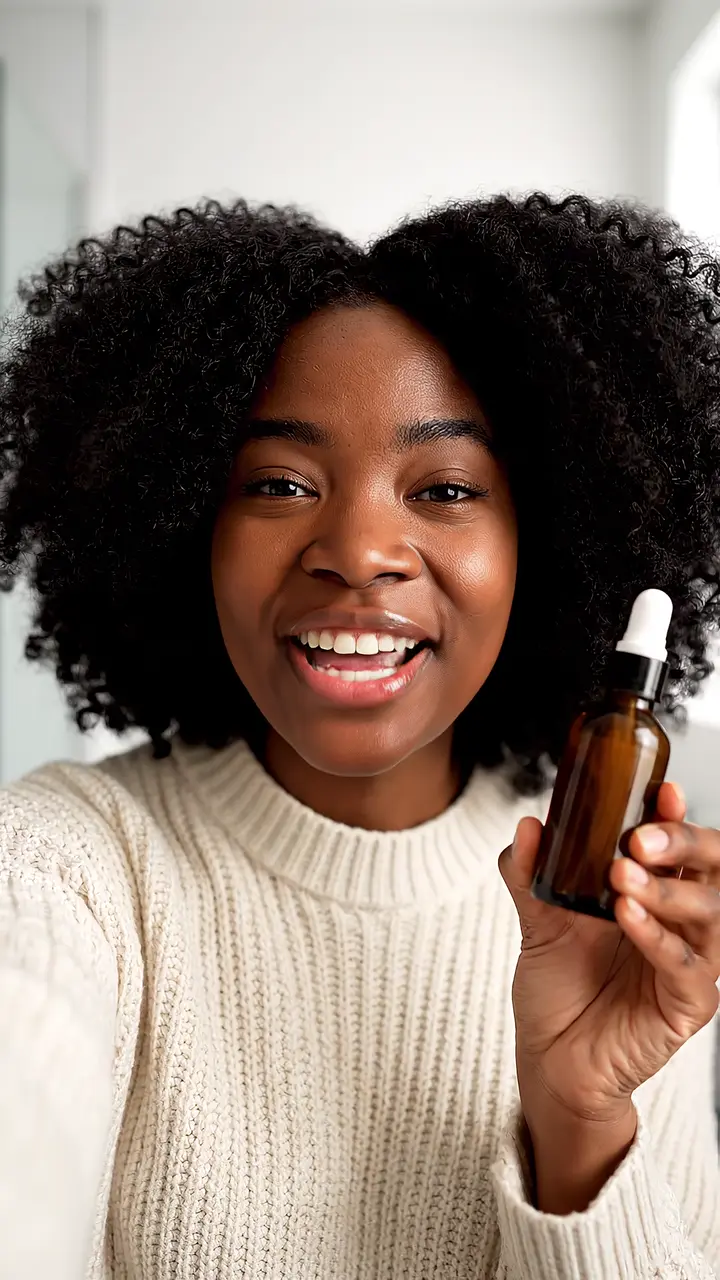
What is said: I filmed this ad once. Now the same ad speaks Spanish, Portuguese, and more without a reshoot.
What is said: Filmaba este anuncio una vez. Ahora el mismo anuncio habla español, portugués y más sin volver a grabar.
What is said: Eu filmei este anúncio uma vez. Agora, o mesmo anúncio fala espanhol, português e mais, sem refilmagem.
AI-created illustrative scene. Not a customer result.
Lip-sync is an optional paid extra.
Skip it
Lip-sync can only change a mouth the viewer can see. In these cases the plain dub is the finished product.
Narration over footage, slides or motion graphics. There are no lips to match.
Software tutorials and walkthroughs where the speaker is heard, not seen.
Lip-sync is meant for a naturally speaking face, so start animation dubbing with the plain dub.
The face is usually too small on screen for the lips to matter.
What to expect
Lip-sync gives different results on different footage. Before you pay for a run, look at how the speaker appears in your video.
Don't expect an exact match. Watch the result at full size before you publish, and look closely at fast speech and close-ups. If it doesn't hold up, your plain dub is still there.
Dub first, then sync
Upload an MP4, MOV or M4V and choose one of 28 languages. Lip-sync can be added to a finished dub in any of them.
It is offered for dubbed videos up to 5 minutes long. Pick one of two quality levels.
It covers the whole video at that level's per-minute rate. If your lip-sync balance is short, you top it up first. Nothing starts until you confirm, and you can leave the page once the run has started.
The lip-synced MP4 is saved as its own version beside your dub. Watch both and download the one that works.
Price and limits
Lip-sync is charged on top of the dub. It has its own prepaid balance and doesn't use your dubbing minutes. There are two quality levels, each with its own per-minute rate.
A balance of quality and price. A reasonable first run for most talking-head videos.
More detail in the face, lips and teeth. Consider it for ads and close-ups.
Both rates are listed in the Terms of Service, and the lip-sync window shows the exact total for your video before you confirm.
Built in, or separate
YouTube is testing lip-sync inside automatic dubbing,3 and Meta offers it as an option when Meta AI translates a reel.4 If one of them covers your account, your language and the only place you post, use it.
| Platform lip-sync (YouTube, Meta) | DubSync lip-sync | |
|---|---|---|
| Who can use it | YouTube: early access for select channels, on qualifying videos and languages.3 Meta: Facebook creators with 1,000 followers or more and public Instagram accounts, in countries where Meta AI is available.4 | Any account with a finished DubSync dub of up to 5 minutes |
| Cost | Meta says translating reels with Meta AI is free.4 YouTube's help page lists no fee.3 | Paid per minute of the dubbed video, quote first |
| Where the result lives | On the platform: on your YouTube video3 or on your reel on Facebook or Instagram4 | In an MP4 you download and post wherever you upload video |
| Telling viewers | YouTube marks the video as auto-dubbed in its description.3 Meta labels each translated reel as translated with Meta AI.4 | DubSync posts nothing on any platform. Any label a platform asks for is yours to add |
DubSync's lip-sync is for the other case: you need the file itself, for an ad account, a second platform, a course or your own site. For YouTube's side, read how YouTube auto-dubbing works.
Before you upload
Lip-sync changes the picture of a real person, not only the sound. If someone else is on camera, get their agreement to that as well as to the new voice. TikTok, for one, doesn't allow AI-generated or significantly edited content that uses the likeness of a private person, which includes their face and voice, without consent.5
Platforms also have label rules. YouTube requires creators to disclose realistic altered content that makes a real person appear to say or do something they didn't. Its examples exempt cloning your own voice for a voice-over or dub, and they don't mention lip-synced dubs by name.6 TikTok requires a label on AI-generated or significantly edited content that shows realistic-looking people or scenes. Its examples include AI tools that make it look like someone said something they didn't, and AI-generated audio that mimics a real person's voice.5
Questions
No. Lip-sync runs only on a video you dubbed in DubSync. Upload the original video, dub it, then add lip-sync to that dub.
Lip-sync is optional and paid separately. Lip-sync uses a separate prepaid balance, is charged per minute of the dubbed video, and shows the total before you confirm each run.
A dub can be up to 150 minutes long, but lip-sync only accepts dubs of up to 5 minutes, and it can't run on part of a video. Cut the part where the face matters into its own file, dub that file and lip-sync it.
Not always. The result depends on the footage, so watch it before you publish. If it doesn't hold up, use the plain dub, which stays as it was. Another run is a separately paid version.
Any of the 28 target languages. Lip-sync runs on a finished dub, and DubSync doesn't limit it by language. The result still depends on the footage.
We don't recommend paying for it there. Lip-sync works best with a clearly visible, naturally speaking face, and a drawn character is not one. Dub animation you own or have licensed, and judge the plain dub first.
That depends on the platform, so read its rule before you post. TikTok requires a label on AI-generated or significantly edited content that shows realistic-looking people.5 YouTube requires disclosure of realistic altered content and says that disclosing doesn't limit a video's audience or its eligibility to earn money.6 If you are unsure, add the label.
Keep exploring
 ProductAI dubbingWhat AI dubbing is, how it compares with subtitles and a studio dub, and how to dub your own video.
 ProductAI video translatorTranslate your video into 28 languages with a voice created from each speaker.
 Use caseVideo ad localizationDub a proven ad or UGC clip for a new market, and see what a dub leaves for you to localize.LessonHow to dub a videoSix steps to dub a video with AI: record, prepare, dub, lip-sync, check and publish.
 LessonYouTube auto dubbingWhat YouTube auto dubbing is and how to turn it off, review it or replace it with your own track.
Start with the dub
Upload it, see the minutes, then decide.
Start with dubbingStart with a paid dub. Lip sync is optional and paid separately, with a quote before confirmation.