Earning guide · YouTube ad revenue
How much does YouTube pay per view, and for 1 million views?
YouTube doesn't pay a set amount per view. It shares ad revenue with channels in its Partner Program: 55% on long videos and 45% of their allocation on Shorts.1 To estimate your own revenue, divide your long-video views or engaged Shorts views by 1,000 and multiply by the corresponding RPM from YouTube Studio.2
Updated Nov 23, 2026
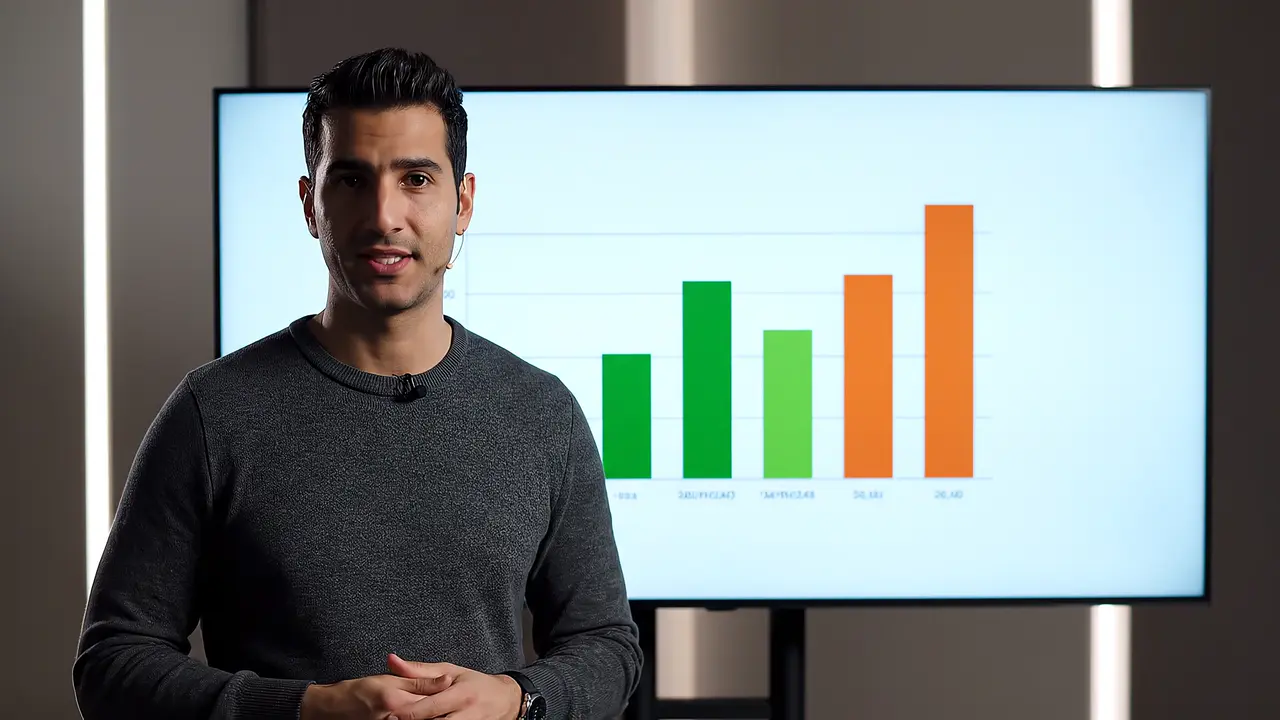
What is said: Advertisers pay different rates in different countries. Same video, same views, but a very different market.
What is said: Los anunciantes pagan tarifas diferentes en distintos países. Mismo video, mismas vistas, pero un mercado muy diferente.
What is said: Os anunciantes pagam taxas diferentes em países diferentes. Mesmo vídeo, mesmas visualizações, mas um mercado muito diferente.
AI-created illustrative scene. Not a customer result.
Lip-sync is an optional paid extra.
CPM and RPM: two numbers people mix up
YouTube Analytics shows both figures, and they answer different questions.2
| CPM | RPM | |
|---|---|---|
| What it measures | What advertisers spend per 1,000 ad impressions | What the creator earned per 1,000 views |
| Whose number | The advertiser's | The creator's |
| YouTube's share | Counted before it | Counted after it |
| Which views | Individual ad impressions on monetized playbacks | All views, with or without an ad (engaged views for Shorts) |
| Revenue included | Advertiser spending on ads | Ads, YouTube Premium, channel memberships, Super Chat and Super Stickers |
RPM averages creator revenue across views. One playback can show several ads, and memberships or Premium can add revenue without an ad impression.2 A CPM figure tells you what an audience costs advertisers. Only RPM tells you what 1,000 views were worth to the channel.
From 1,000 views to creator revenue, step by step
Select a format in YouTube Studio
In Analytics, choose your date range and filter to videos or Shorts. In Advanced mode, use a geography filter if Studio reports both RPM and views for that audience.
Read RPM and views together
Use views for long videos and engaged views for Shorts. Check which currency Studio displays.
Multiply by the number of thousands
With 100,000 matching views and an RPM of $2.50, there are 100 groups of 1,000 views. At that RPM they yield $250. RPM already includes the creator’s share.2
Ad rates by viewer country
YouTube says CPM shifts with where your views come from: more views from places with lower CPMs can mean a lower CPM for the channel.2 In a dataset of median CPMs for videos uploaded in 2024, covering 49 countries, the highest median was in the United States at $11.95 and the lowest in Pakistan at $0.42.3
Source: IsThisChannelMonetized via Digital Information World, Aug 2025.3
Put as ratios, advertisers paid 1.6× as much per 1,000 YouTube ad impressions for viewers in the United States as for viewers in the United Kingdom, ~7× as much as in Mexico, ~9× as much as in Brazil and ~12× as much as in India.3 These are medians from a single dataset, so one channel can sit well above or below them.
See all 49 countries, with historical advertiser CPM for each
How much YouTube pays for 1 million views
For one million long-video views, multiply the matching Studio RPM by 1,000. If you have separate RPMs by country, apply each to the views from that country and add the results. When RPM is unknown, the view count alone cannot give a revenue estimate.
Shorts use engaged views
AIR Media-Tech reported $0.328 per 1,000 engaged Shorts views in the United States and $0.008 in India across its network in 2025.5 To estimate your own earnings, use the engaged views and RPM from your Shorts analytics for the same period.
From February 1, 2027, a channel has to keep 10 million qualified Shorts views over the last 90 days to be paid from the Shorts pool each month. That cutoff applies to monthly Shorts ad and Premium revenue. Missing it alone leaves YPP status and other revenue, including long-form revenue, unchanged.7 The Shorts monetization guide covers the pool in full.
To try your own views and matching RPM, use the YouTube money calculator.
Why per-view figures online are unreliable
A single per-view number found online usually hides at least one of these choices.
CPM passed off as pay
CPM counts ad impressions and measures what advertisers spend. The same playback can carry several ads, and a view can have none.2
No country attached
Historical advertiser spending varied by market. In the 2024 sample, advertisers paid 3.5× as much per 1,000 YouTube ad impressions for viewers in the United States as for viewers in Japan.3
One month, frozen
Advertisers bid higher or lower through the year, and many bid higher just before holidays, so one channel's rate moves from month to month.2
Shorts mixed with long videos
Shorts are paid from a revenue pool at a 45% share,4 and their RPM uses engaged views.5
More than ads inside RPM
RPM in YouTube Analytics also includes memberships, Premium revenue, Super Chat and Super Stickers, so two channels with equal ad income can show different RPMs.2
Someone else's channel
Public tables, including the ones on this page, are medians or network averages. Your topic, video length and audience are not in them.
The only figure that describes your channel is the RPM in your own YouTube Analytics.
What has to happen before YouTube pays out
- Revenue in YouTube Analytics is an estimate and can be adjusted, for example for invalid traffic or Content ID claims.1 Finalized earnings for a month are added to your AdSense for YouTube balance between the 7th and 12th of the next month.8
- Payments go out between the 21st and 26th, once the balance has reached the payment threshold and the account has no payment holds.8 The threshold is $100 for accounts that report in US dollars.9
- Every monetizing creator has to submit US tax information, wherever they live. If you live outside the United States, Google then withholds between 0% and 30% of what you earn from US viewers, depending on your country's tax treaty. Without tax information, it may deduct up to 24% of your total earnings worldwide.10
- YouTube's own earnings overview says the partner agreement makes no promise about how much, or whether, a channel is paid.1
The part of the audience mix you can change
Check who watches each language version
Your choice of language helps determine who can understand the video. If you record in Spanish or Portuguese, check Studio to see how many views come from Mexico or Brazil. In the 2024 CPM sample, advertisers paid ~7× as much per 1,000 YouTube ad impressions for viewers in the United States as for viewers in Mexico, and ~9× as much as for viewers in Brazil.3
A dub doesn't bring new viewers on its own. It makes the video watchable for them. The clip is an AI-generated scene with a fictional cook who speaks Spanish. Switch the language under it to hear the English and Portuguese dubs.
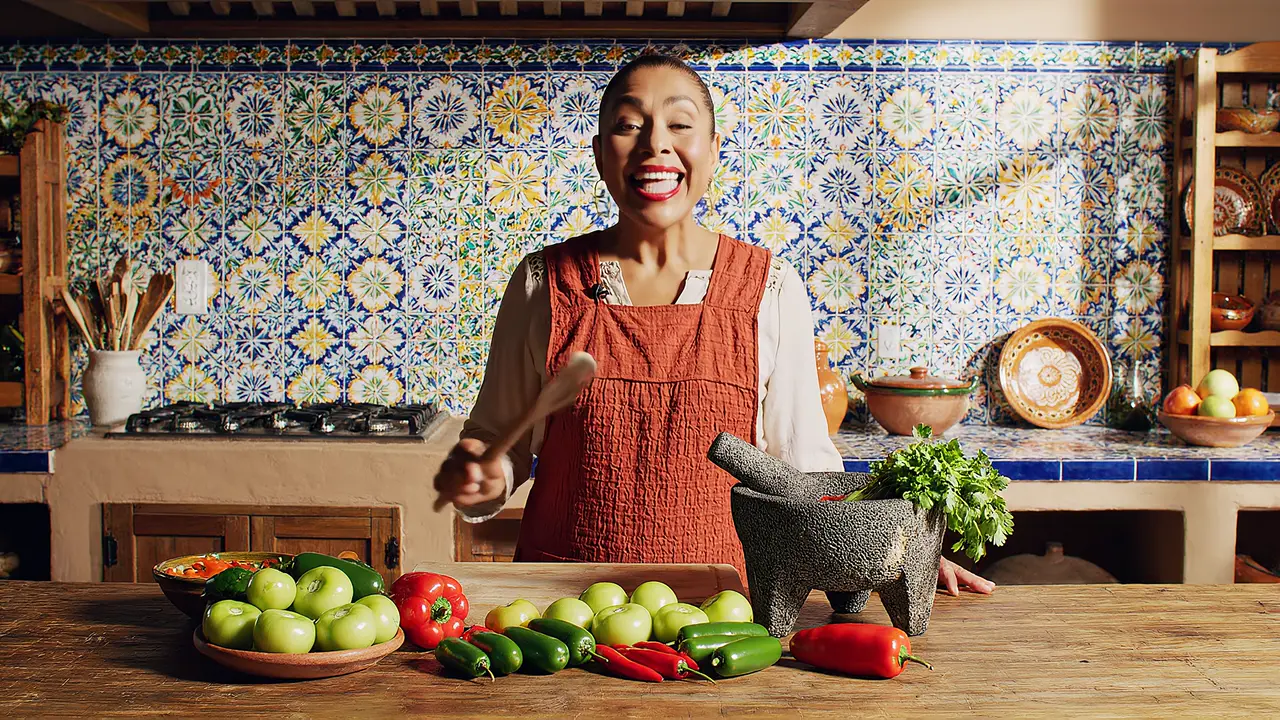
What is said: Hoy preparo salsa verde como en casa. Y esta receta ahora también se entiende en inglés.
What is said: Today I am making green sauce like at home, and this recipe is now also understood in English.
What is said: Hoje preparo salsa verde como em casa e esta receita agora também é entendida em inglês.
AI-created illustrative scene. Not a customer result.
Lip-sync is an optional paid extra.
A dubbed version can help when
- The topic travels: tutorials, reviews, science, cooking, fitness, gaming.
- Your videos already hold viewers in the language you make them in.
- You publish the dub where a new audience can find it: a channel for that language, or an extra audio track on the same video. The track needs access to YouTube's advanced features and an audio-only file,11 so you would first download the translated M4A audio from DubSync.
It changes little when
- The topic is local: national news, local services, regional humor.
- You expect English alone to lift the rate. English also reaches India and the Philippines, where advertisers paid less than in Mexico or Brazil.3
- The channel isn't in the Partner Program yet. Without it there is no share of ad revenue in any language.
YouTube has automatic dubbing built in, switched on by default for eligible creators.12 If it sounds right for your videos, start there. DubSync is a paid option for when you want a dubbed file of your own. You upload the original (MP4, MOV or M4V, up to 150 minutes and 1 GB), choose one of 28 languages and download a dubbed MP4 with a voice created from each speaker (similar, not identical), your background audio kept and no visible watermark. It is priced per input minute. DubSync includes a dubbed MP4, M4A audio and automatic SRT subtitles in the dubbing language. It does not post to YouTube on your behalf or offer script editing, so watch the finished video before you post it.
Questions before you start
How much does YouTube pay per view?
There is no set amount. YouTube pays creators a share of ad revenue.1 A view brings ad revenue only when it shows an ad, and the amount depends on what the advertiser paid to reach that viewer.2 Your channel’s long-video RPM gives average revenue per 1,000 views. Divide it by 1,000 for the average per view.
How much does YouTube pay for 1 million views?
Multiply your long-video RPM by 1,000. For example, if YouTube Studio shows an RPM of $2.50, one million matching views would correspond to $2,500. For Shorts, use engaged views and Shorts RPM.
How much does YouTube pay for 1,000 or 100,000 views?
Per 1,000 views the figure is called RPM, and YouTube Analytics shows your own.2 For 100,000 views, multiply that RPM by 100. Keep the currency, format, period and audience the same.
Do views without ads earn anything?
Not from advertisers. RPM includes those views in its denominator. A Premium member sees no ad, but Premium revenue is part of RPM.2
Do Shorts pay the same as long videos?
Does YouTube pay for subscribers?
Will an English version of my videos raise my RPM?
It depends on who watches it. YouTube says a shift in where your views come from can shift your CPM.2 A CPM shift doesn't guarantee a change in RPM. Compare geography, views, total revenue and RPM in Studio for matching videos, formats and dates.
Sources
- YouTube Help. YouTube partner earnings overview. Accessed Oct 5, 2026.
- YouTube Help. Understand ad revenue analytics (help article 9314357). Accessed Oct 5, 2026.
- Digital Information World (data compiled by IsThisChannelMonetized). YouTube CPM Rates in 2025: How Location Shapes Earnings. Published Aug 11, 2025; accessed Oct 5, 2026.
- YouTube Help. YouTube Shorts monetization policies. Accessed Oct 5, 2026.
- AIR Media-Tech. What RPM Can You Expect from Shorts in 2026?. Published Jan 23, 2026; accessed Nov 22, 2026.
- YouTube Help. YouTube Partner Program overview & eligibility (help article 72851). Accessed Oct 5, 2026.
- YouTube Help. Changes to the YouTube Partner Program (help article 12843009). Accessed Oct 5, 2026.
- Google AdSense Help. Payment timelines for AdSense (help article 7164703). Accessed Oct 5, 2026.
- Google AdSense Help. Payment thresholds (help article 1709871). Accessed Oct 5, 2026.
- YouTube Help. U.S. tax requirements for YouTube earnings (help article 10391362). Accessed Oct 5, 2026.
- YouTube Help. Add Multi-language features to your videos (help article 13338784). Accessed Oct 5, 2026.
- YouTube Help. Use automatic dubbing (help article 15569972). Accessed Oct 5, 2026.
Keep exploring
Related pages
 CalculatorYouTube money calculatorEstimate revenue from your own YouTube Studio RPM and matching views.
- DataYouTube CPM by countryMedian ad rates by country, with sources and method.
 EarningMake money on YouTubeHow channels earn on YouTube, what each option requires and where to check your revenue in Studio.
 EarningYouTube monetization requirementsPartner Program thresholds for early access and for ads and Premium, plus the February 2027 changes.
 EarningYouTube Shorts monetizationHow the Shorts ad pool works, what creator RPM per 1,000 engaged views measures, and the eligibility changes announced for 2027.
- LessonTargeting a US audienceWhat an English version changes and how to check which countries watch your videos in YouTube Studio.
Language is the part you can change
Try one of your videos in English.
Upload it, see the minutes and the cost, then decide.
Upload my videoOnly upload files you have the rights to, with every speaker's permission.